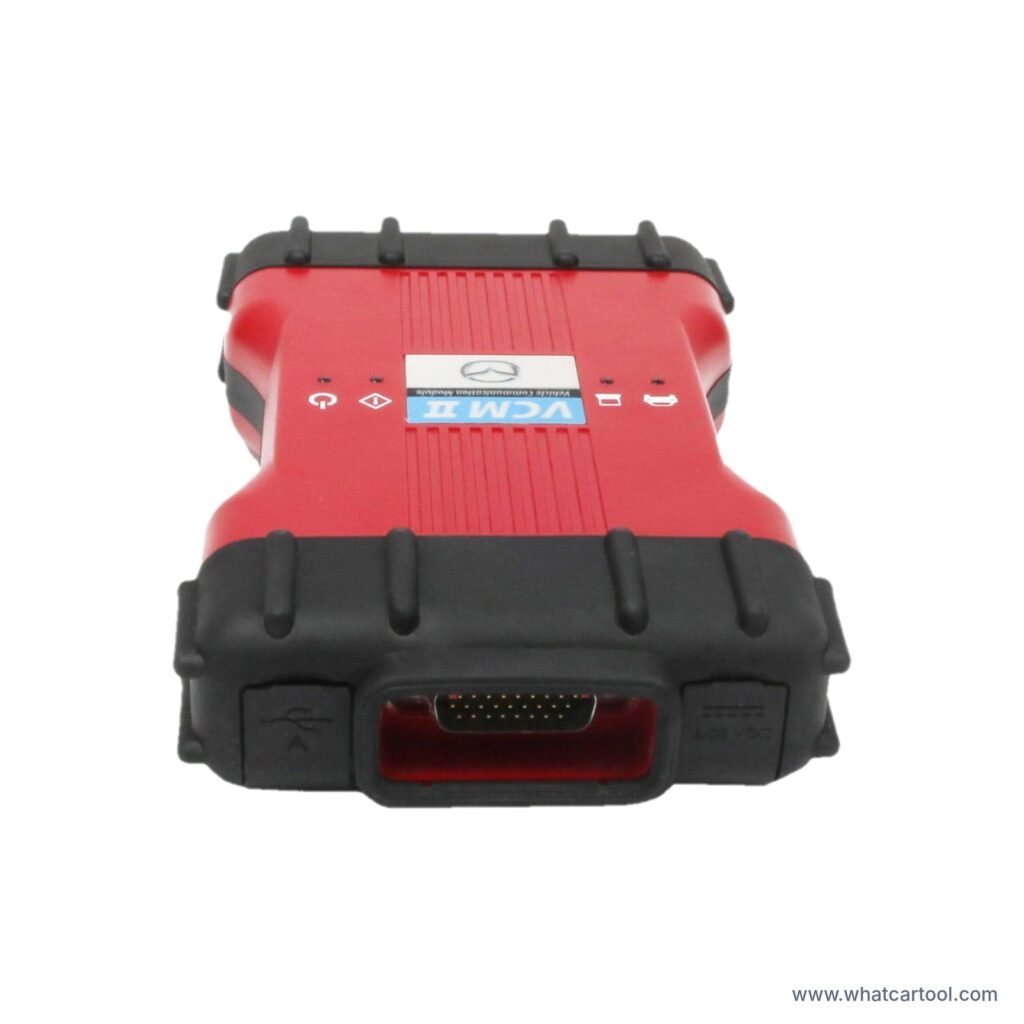
Mazda VCM2

Maverick Mazda VCM2 interface studio

Description

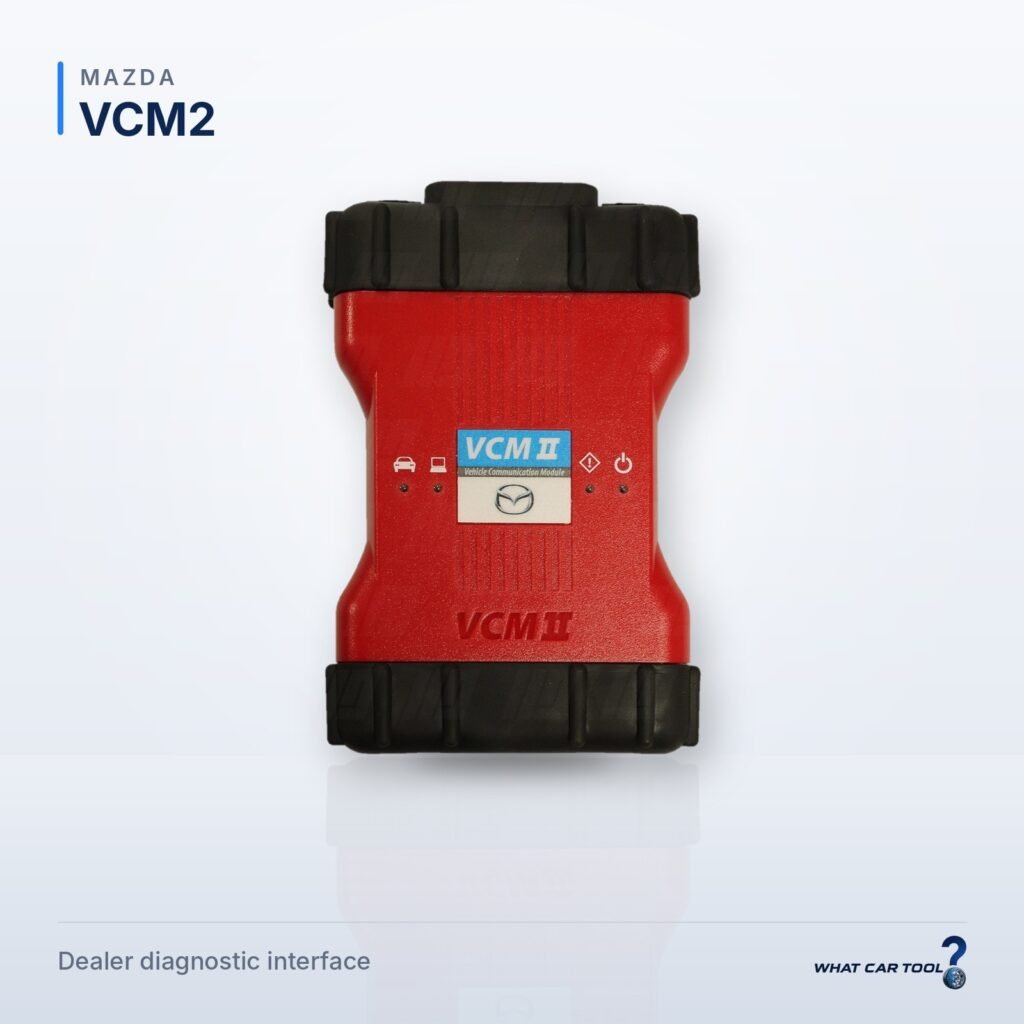
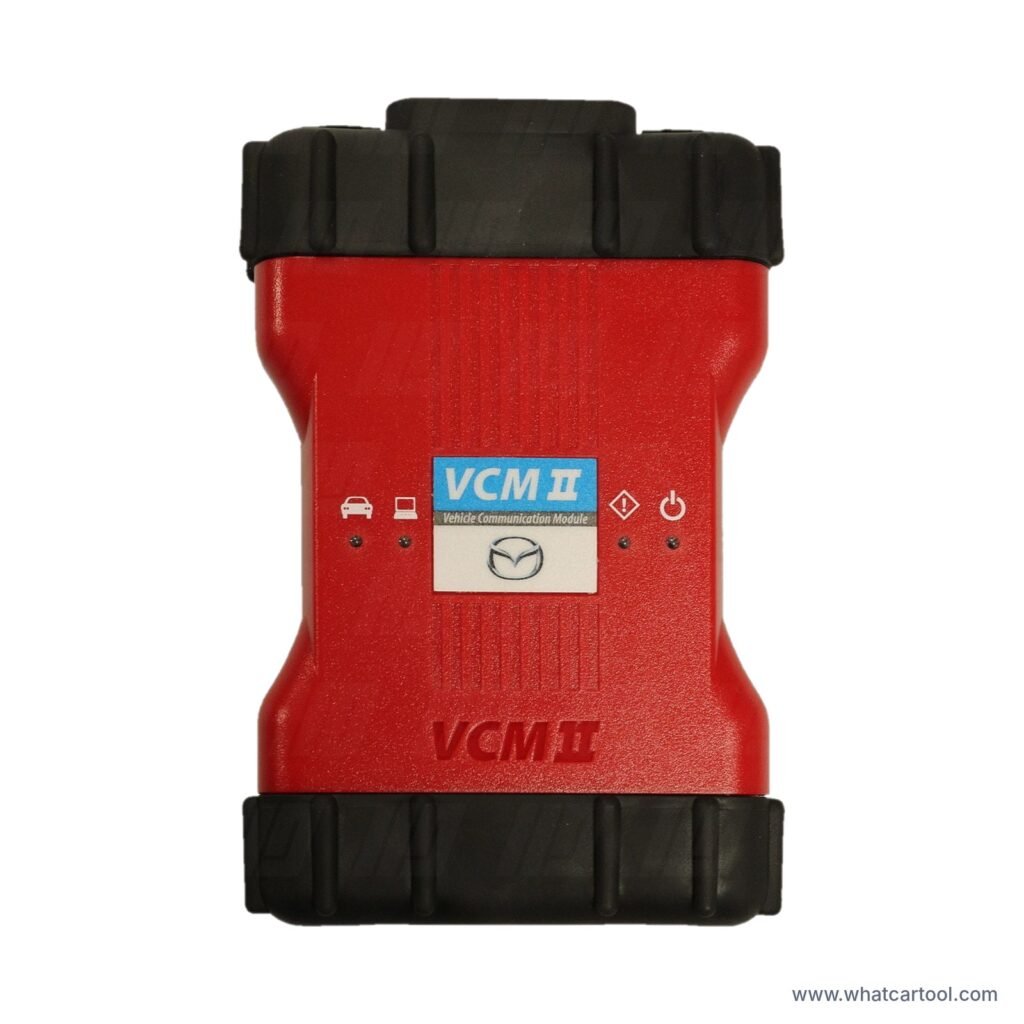
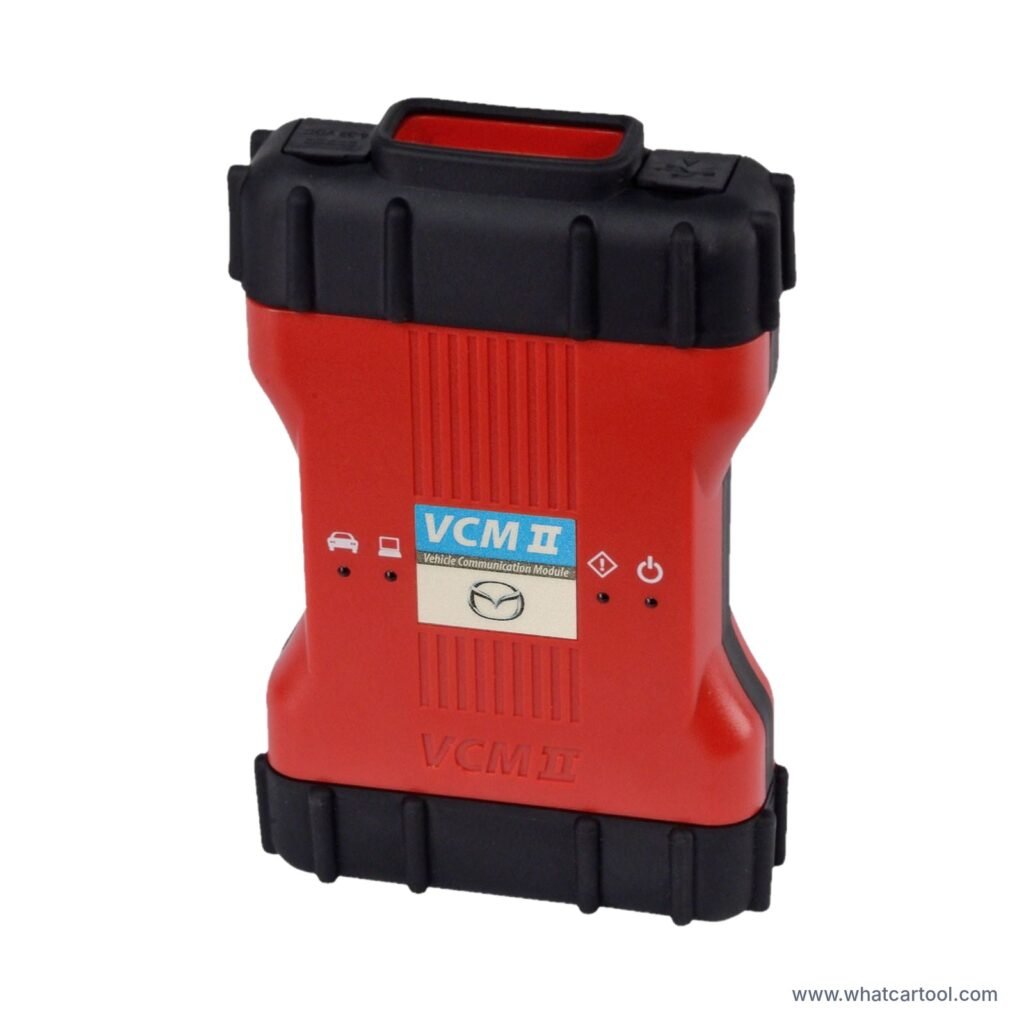
Mazda dealer interface for Mazda IDS and the newer MDARS software, for Mazda vehicles from 2013. Reads and clears fault codes, live data with recording, guided fault finding, ECU re-flashing and programming, key programming, injector coding, DPF regeneration, brake bleeding and steering angle resets. Works wirelessly with a laptop or PC and supports the Customer Flight Recorder (CFR). Needs a Windows 10 Pro 64-bit PC, Chrome 76+, 4 GB RAM, an internet connection and an annual software subscription. 1-year warranty according to Maverick Diagnostics. Manufacturer software, licences and subscriptions are separate from the hardware unless stated above. Sold by Maverick Diagnostics, often with an optional rugged laptop bundle.

Specifications

Product typeDevice with software installed on a computer / tablet / phone
OEM (Original Equipment Manufacturer) product? iYes — Official Mazda dealer interface
For which vehicleCars
Operating systemWindows 10
Connection with computer / tablet / phoneUSB, Wi-Fi
Subscription model (description)Annual software subscription required (expires 31 December)
Warranty (months)12
Warranty details (optional)1-year warranty (per Maverick Diagnostics)

Supported functions (11)

Advanced Diagnostics

  • Data logging / replay i
  • Guided tests / Guided component tests i

Diagnostics

  • Read fault codes (DTC) i
  • Clear fault codes (DTC) i
  • Live data stream i

Key / immobilizer

  • Key / fob programming i

Programming

  • Online OE programming i

Service reset

  • Steering angle sensor (SAS) reset i
  • DPF / FAP regeneration i
  • ABS brake bleeding i
  • Injector coding i

Compatibility disclosure

Mazda dealer interface for Mazda IDS and MDARS, for Mazda vehicles from 2013. Needs a Windows 10 Pro 64-bit PC, an internet connection and an annual software subscription. Supports the Customer Flight Recorder. Manufacturer software, subscriptions and licences are bought separately from the hardware unless stated.

Compatible vehicles (1 makes)

Check if it fits your vehicle:

Mazda (all models)
  • All models of this make (2013–…)

Where to buy

There's still room here for your shop. If you're a seller and would like to include a link to your shop here, please get in touch with us.
We also accept links to online shops on platforms such as Amazon, eBay, Etsy, AliExpress, Walmart Marketplace, etc.

About the manufacturer: Maverick Diagnostic

Maverick Diagnostics is a UK-based supplier of vehicle diagnostic equipment, founded in 1999. It sells OEM-approved dealer-level diagnostic tools and aftermarket multi-brand tools for independent workshops, with remote support and training. The company serves over 14,000 workshops.

https://www.maverickdiagnostics.com/ ↗

Device forum

Notifications
Clear all
Mazda VCM2

General information about the device

Description of the model, target users, key features.
Topics: 1   /   Posts: 1

Files and resources

Manuals, supported vehicle lists, configuration backups, important links.
Topics: 0   /   Posts: 0

Problems and troubleshooting

Errors, failures, freezing, communication issues.
Topics: 0   /   Posts: 0

Updates and firmware

New versions, changelogs, issues after updates.
Topics: 0   /   Posts: 0

Diagnostic features

Scanning, live data, active tests, coding, adaptations.
Topics: 0   /   Posts: 0

Accessories and compatibility

VCI, cables, adapters, DOIP, J2534, laptops, tablets.
Topics: 0   /   Posts: 0

Instructions and tutorials

Step-by-step guides, checklists for new users.
Topics: 0   /   Posts: 0

User opinions and experiences

Real-world use cases, pros, cons, comparisons.
Topics: 0   /   Posts: 0

Marketplace / buy-sell / spare parts

Buy, sell and spare-parts offers for this device.
Topics: 0   /   Posts: 0

Mazda VCM2

Everything about the Mazda VCM2: questions, problems, updates, tips and files.

No topics were found here

Share: