DG VSI NxGen

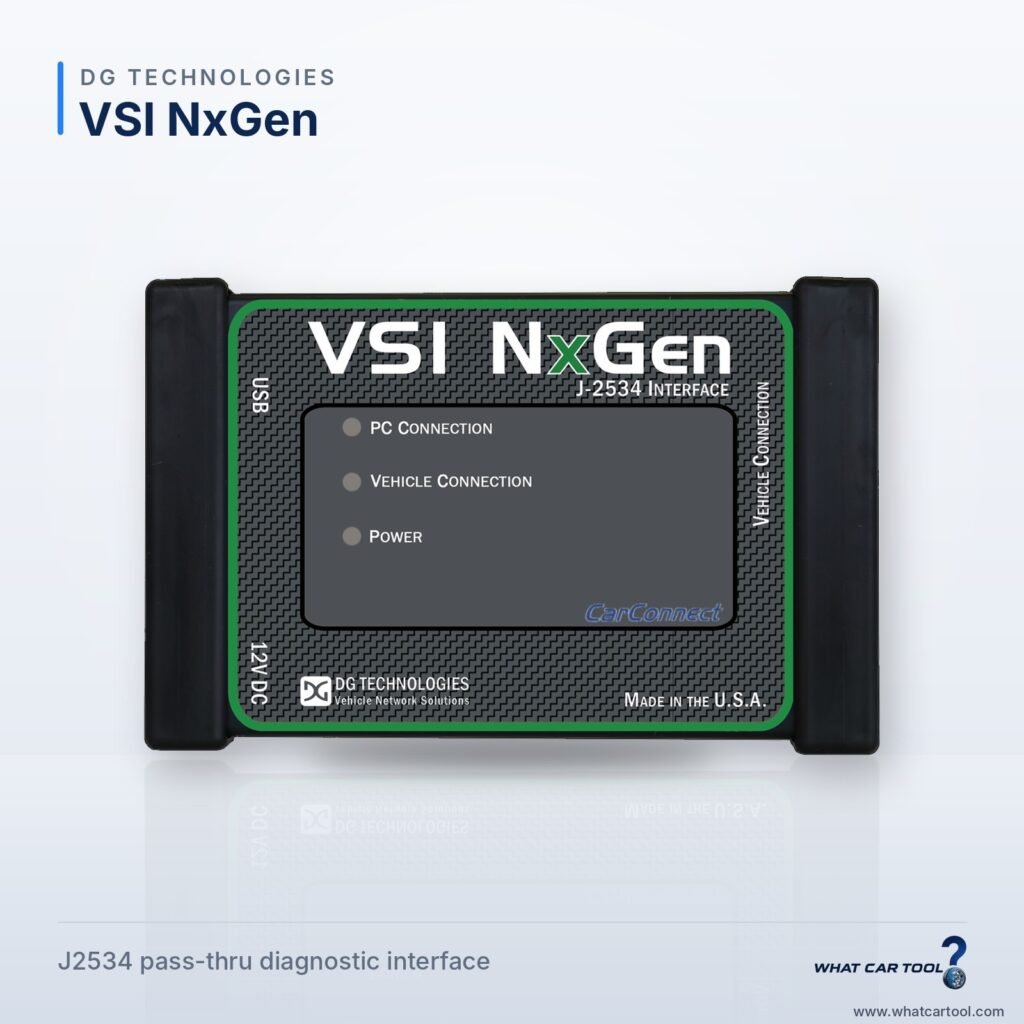
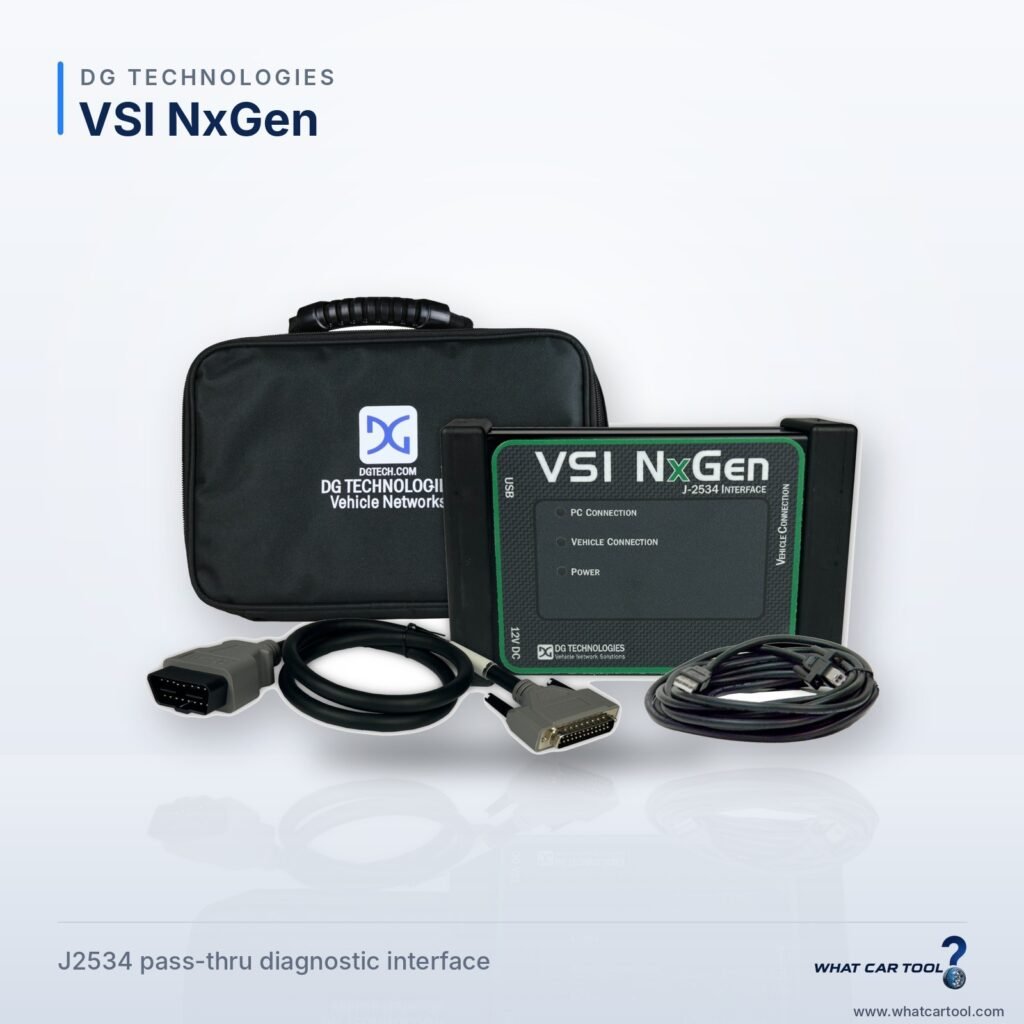
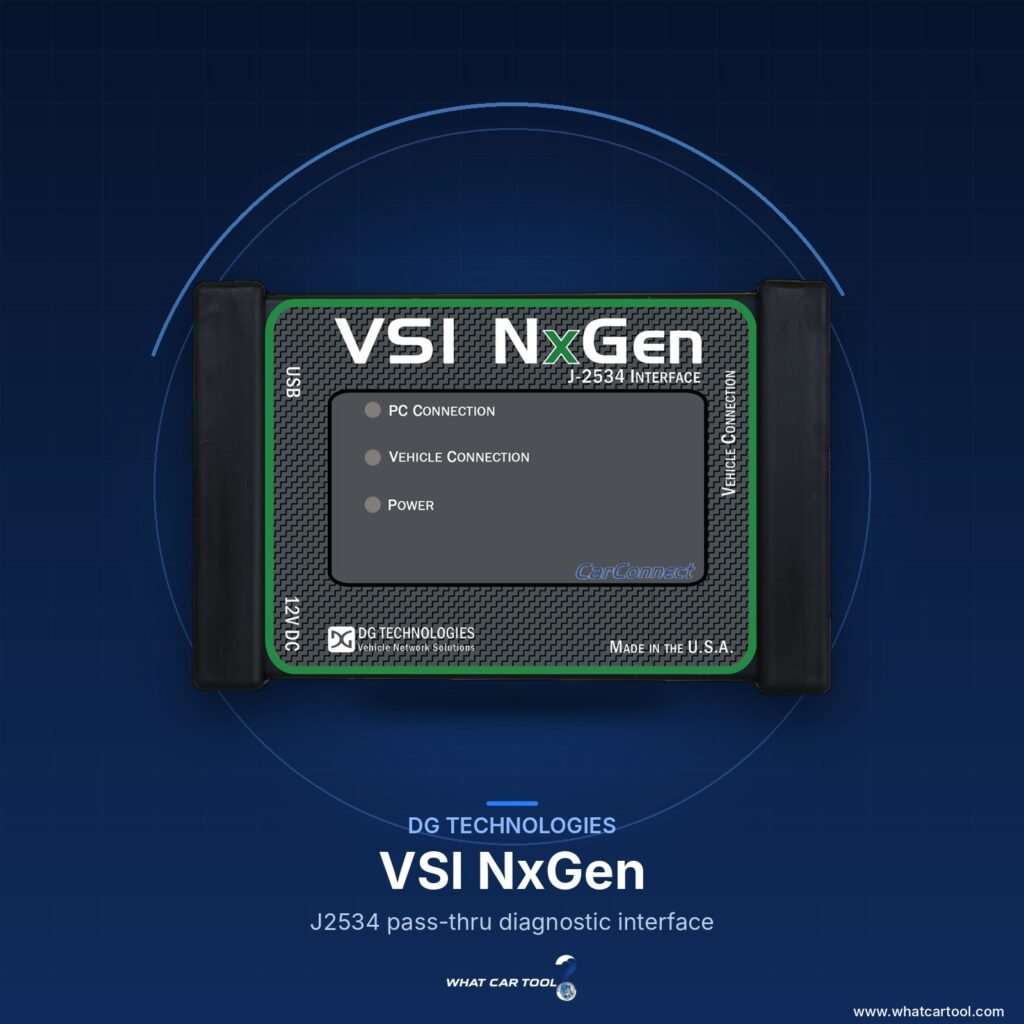
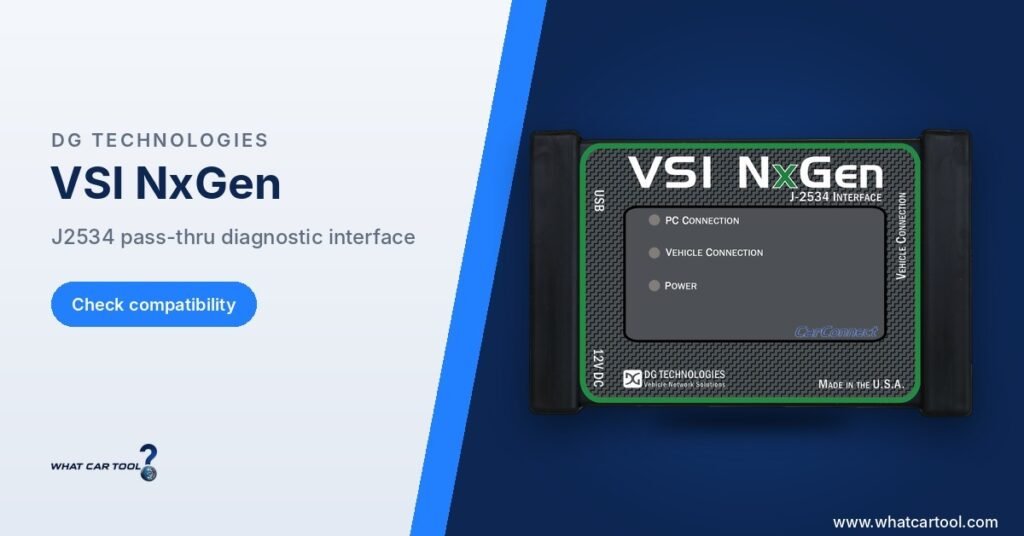
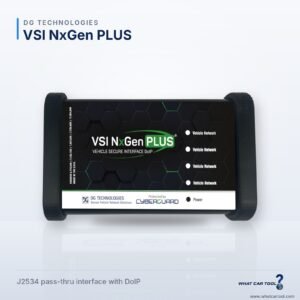
DG Technologies VSI NxGen studio product shot

Description

The VSI NxGen (Vehicle Standard Interface for the Next Generation) is a J2534 pass-thru diagnostic and reprogramming interface for automotive shops, dealerships and independent repair facilities. It is SAE J2534-1 / J2534-2 compliant (API 04.04 and 05.00), has 4 independent CAN channels with CAN FD and FT CAN, and updates its software and firmware automatically. With the vehicle makers' own software it supports ECU programming, ADAS calibration, diagnostics and security access on light and medium-duty vehicles. The kit includes the VSI NxGen, an OBDII cable, a USB cable, a quick start guide, the J2534 validation tool (JVT), the DG Diagnostics software and a carrying case. OEM diagnostic software, subscriptions and licences are not included and are purchased separately from the vehicle manufacturers.

Specifications

Product typeDevice with software installed on a computer / tablet / phone
For which vehicleCars
Price (USD)$1,235 – $1,365
What programs does it work with?OEM diagnostic and reprogramming software that supports J2534 pass-thru (subscriptions bought from the vehicle manufacturers); free DG Diagnostics (DGD) software included.
Other OS (details)Windows PC
Can be installed on a mobile phoneNo
Connection with computer / tablet / phoneUSB
Vehicle power supply system12V
Supported protocolsJ2534 standard API passthru, CAN, CAN FD, UDS, KWP2000, K-line, SAE J1850
Other protocols (details)ISO 15765, FT CAN, Dual Wire CAN, GM LAN, J1850 PWM (Ford SCP) and VPW (GM Class 2), SAE J2610 (Chrysler SCI)
Frequency of new updatesAutomatic VSI software and firmware updates
Menu languageEnglish

Supported functions (11)

Advanced Diagnostics

  • O2 sensor data i (Mode 5.)

Diagnostics

  • Reading the VIN i
  • Read fault codes (DTC) i
  • Clear fault codes (DTC) i
  • Live data stream i
  • Freeze frame data i
  • I/M readiness monitors i
  • On-board monitor test (Mode 06) i (Mode 6.)
  • ECU information i

Programming

  • ECU flashing / J2534 reprogramming i (SAE J2534 pass-thru for OEM software (not included).)

Reports

  • Report export i
Conditions for specific vehicles (1)

Notes added by the manufacturer that apply only to the vehicles listed below — the function itself is supported.

Applies only to some vehicles — click for details

Compatibility disclosure

DG Technologies does not publish a list of makes; it states that the tool is designed for vehicles from 1996 to 2027. The makes shown are the common OBD2 makes (from 1996, EU-only makes from 2001). Functions beyond generic OBD2 (OEM diagnostics, reprogramming, coding) require the vehicle manufacturer software and subscription, purchased separately, used through SAE J2534. Does not include DoIP.

Compatible vehicles (72 makes)

Check if it fits your vehicle:

All models of this make (1996–…)
All models of this make (2001–…)
All models of this make (1996–…)
All models of this make (2001–…)
All models of this make (1996–…)
All models of this make (2001–…)
All models of this make (1996–…)
All models of this make (2001–…)
All models of this make (1996–…)
All models of this make (2001–…)
All models of this make (1996–…)
All models of this make (2001–…)
All models of this make (1996–…)
All models of this make (2001–…)
All models of this make (1996–…)
All models of this make (2001–…)
All models of this make (1996–…)
All models of this make (2001–…)
All models of this make (1996–…)
All models of this make (2001–…)
All models of this make (1996–…)
All models of this make (2001–…)
All models of this make (1996–…)

Where to buy

There's still room here for your shop. If you're a seller and would like to include a link to your shop here, please get in touch with us.
We also accept links to online shops on platforms such as Amazon, eBay, Etsy, AliExpress, Walmart Marketplace, etc.

About the manufacturer: DG Technologies

DG Technologies (Dearborn Group, Inc.) is a U.S. company based in Farmington Hills, Michigan, that builds vehicle network solutions. Its diagnostic and reprogramming interfaces – the DPA heavy-duty adapters (TMC RP1210) and the VSI automotive J2534 pass-thru interfaces – work with OEM diagnostic software, together with the DG Diagnostics software included with them. DG also makes data-logging, network-development and fiber-optic tools for vehicle engineers. Its products are built in the U.S.A. and come with U.S.-based technical support.

https://www.dgtech.com/ ↗

Device forum

Notifications
Clear all
DG VSI NxGen

General information about the device

Description of the model, target users, key features.
Topics: 1   /   Posts: 1

Files and resources

Manuals, supported vehicle lists, configuration backups, important links.
Topics: 0   /   Posts: 0

Problems and troubleshooting

Errors, failures, freezing, communication issues.
Topics: 0   /   Posts: 0

Updates and firmware

New versions, changelogs, issues after updates.
Topics: 0   /   Posts: 0

Diagnostic features

Scanning, live data, active tests, coding, adaptations.
Topics: 0   /   Posts: 0

Accessories and compatibility

VCI, cables, adapters, DOIP, J2534, laptops, tablets.
Topics: 0   /   Posts: 0

Instructions and tutorials

Step-by-step guides, checklists for new users.
Topics: 0   /   Posts: 0

User opinions and experiences

Real-world use cases, pros, cons, comparisons.
Topics: 0   /   Posts: 0

Marketplace / buy-sell / spare parts

Buy, sell and spare-parts offers for this device.
Topics: 0   /   Posts: 0

DG VSI NxGen

Everything about the DG VSI NxGen: questions, problems, updates, tips and files.

No topics were found here

Share: